Shopify Product Photography: Image Requirements & Best Practices for 2026
Table of Contents
At a Glance: Shopify Image Requirements (2026)
The Shopify Image Requirements That Matter Most
Best File Types for Shopify
Product Photography Best Practices That Drive Conversions
How to Optimize Shopify Images Without Sacrificing Quality
Don’t Skip File Names & Alt Text
When to DIY vs. When to Hire a Product Photography Partner
How We Can Help
Key Takeaways
The best Shopify product images balance visual quality, technical performance, and consistency across your storefront. From image size and file type to detail shots and alt text, small decisions can have a big impact on how polished your store feels and how easily customers move toward purchase.
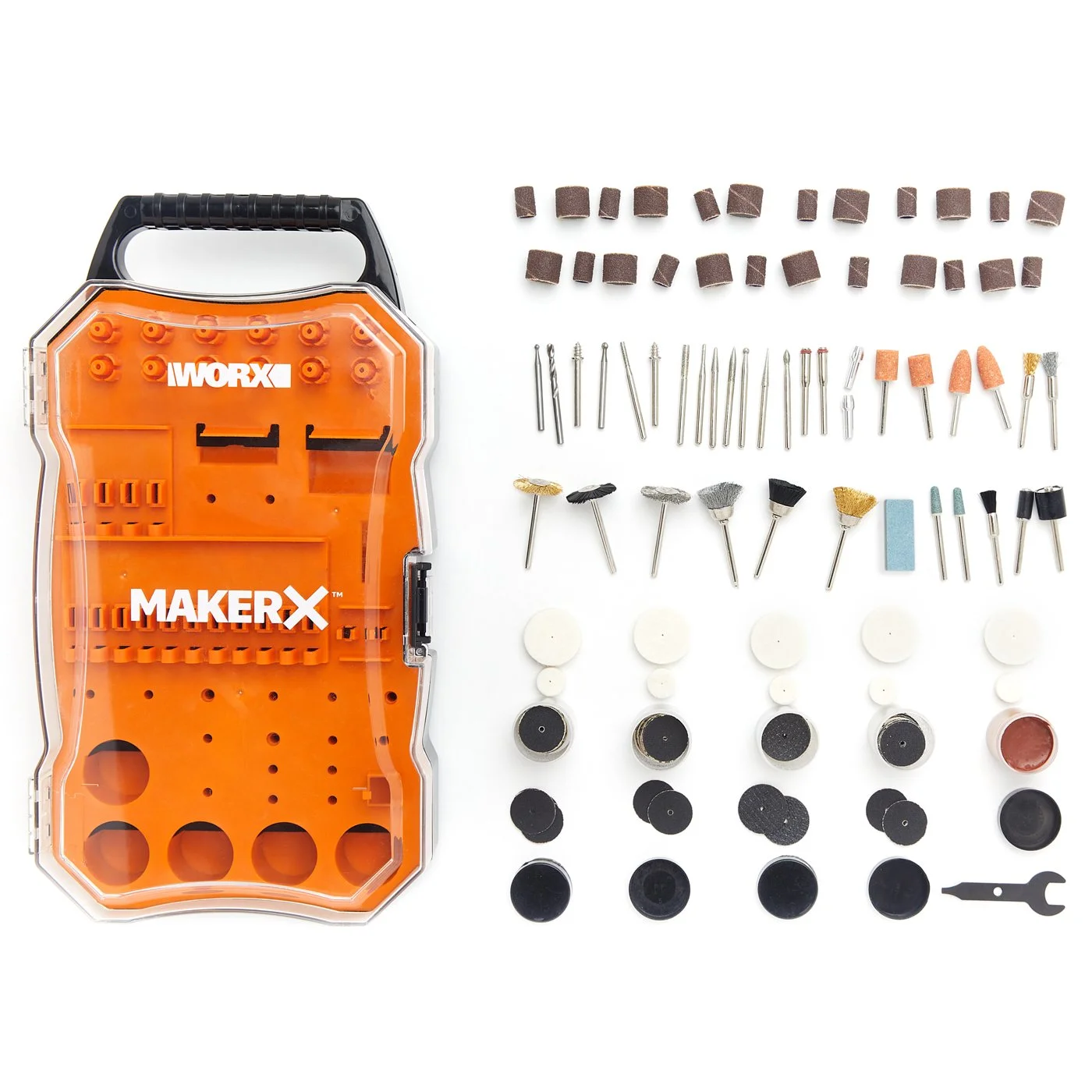
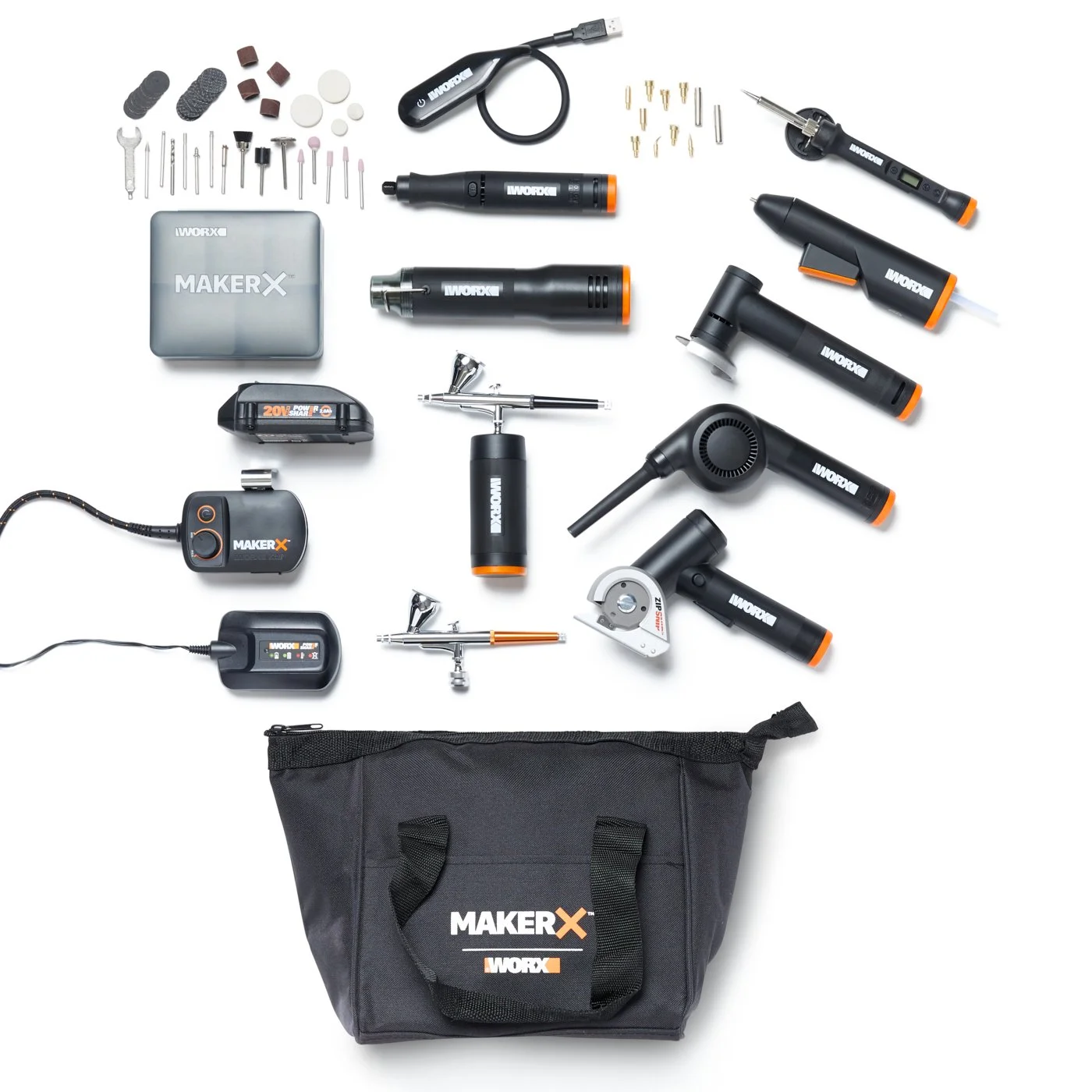
Shopify image specs can seem a bit complicated. Between pixel dimensions, file sizes, and formats, and performance considerations, it’s easy to get stuck in the details instead of focusing on what matters: getting your products in front of customers and making them easy to buy.
The good news is that Shopify product photography doesn’t require perfection. A handful of core standards can help you create images that look sharp, load quickly, and support a clean storefront.
This guide breaks those standards down into practical takeaways so you can create images that are visually strong, technically sound, and built to convert.
At a Glance: Shopify Image Requirements (2026)
If you just need the essentials:
Ideal Shopify image size: 2048 × 2048 pixels
Minimum size for zoom: 800 × 800 pixels
Maximum size: 5000 × 5000 pixels (up to 20 MB)
Recommended file size: Under 3 MB
Best file types: JPG for most images, PNG when needed
Aspect ratio: 1:1 (square)
These guidelines balance image quality, zoom functionality, and site performance.
The Shopify Image Requirements That Matter Most
Once you move past the technical noise, Shopify’s image requirements are straightforward. The goal is to use specs that keep images clear, quick to load, and consistent across your storefront.
The Sweet Spot: 2048 × 2048 px
In most cases, 2048 × 2048 pixels is the ideal Shopify image size. It’s large enough for zoom without slowing down your site.
Shopify Maximums (Bigger Isn’t Better)
The maximum Shopify image size is 5000 × 5000 pixels and 20 MB. But these are limits, not targets. Staying closer to the 2048 x 2048 range and under 3 MB results in:
Faster load times
Better mobile performance
A smoother browsing experience
Square Images Keep Your Storefront Clean
Shopify product image size ratios can vary, but square (1:1) images are the most consistent choice for product grids because they:
Align neatly across pages
Prevent awkward cropping
Create a more polished look
This becomes even more important as your catalog grows.
Minimum Size for Zoom & Clarity
Images below 800 × 800 pixels won’t support zoom and may appear blurry. If customers can’t clearly see the product, hesitation increases and conversions drop.
Best File Types for Shopify
File types are simpler than they seem.
JPG (or JPEG): Your Default
For most Shopify product photography, JPG offers:
Strong image quality
Smaller file sizes
Fast load times
PNG: Use When Needed
PNG files are best for:
Transparent backgrounds
Graphics or overlays
Sharp edges or fine detail
Because file sizes are larger, use this file type selectively.
Shopify Handles Optimization
Shopify may convert your images to WebP or AVIF for performance. You don’t need to manage this – just upload clean, properly-sized files.
Product Photography Best Practices That Drive Conversions
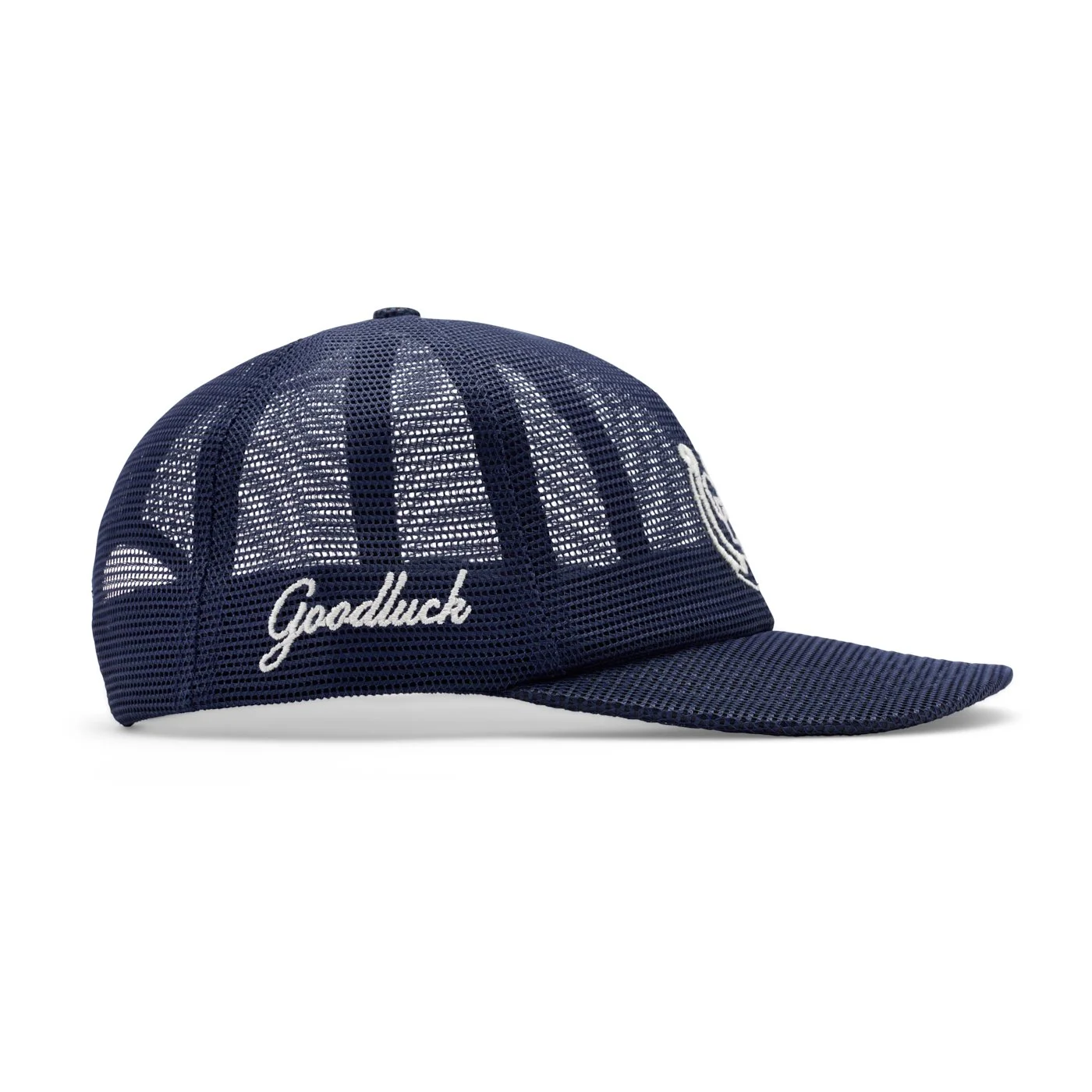
Image specs matter, but how your products are photographed directly impacts customer decision making. Strong product photography decreases uncertainty and increases confidence. That clarity is what drives conversions.
Consistency Builds Trust
Keep lighting, angles, framing, and backgrounds consistent across your catalog. When everything aligns:
Your brand feels more polished
Your storefront is easier to browse
Customers don’t have to “re-learn” each product
Inconsistent imagery creates friction, even if the products themselves are great.
Accurate Color & Texture Matter
When customers can’t touch or try your product, your images have to do that work. Product photography should focus on:
True-to-life color
Texture and material detail
Minimal filters or over-editing
When expectations match reality, you reduce returns and build trust.
Start with a Clean Hero Image
Your main product image should be simple and distraction-free. Your photos should feature:
A white or neutral background
Product centered
Even, well-balanced lighting
Since this is often the first image customers see, clarity should win over creativity here.
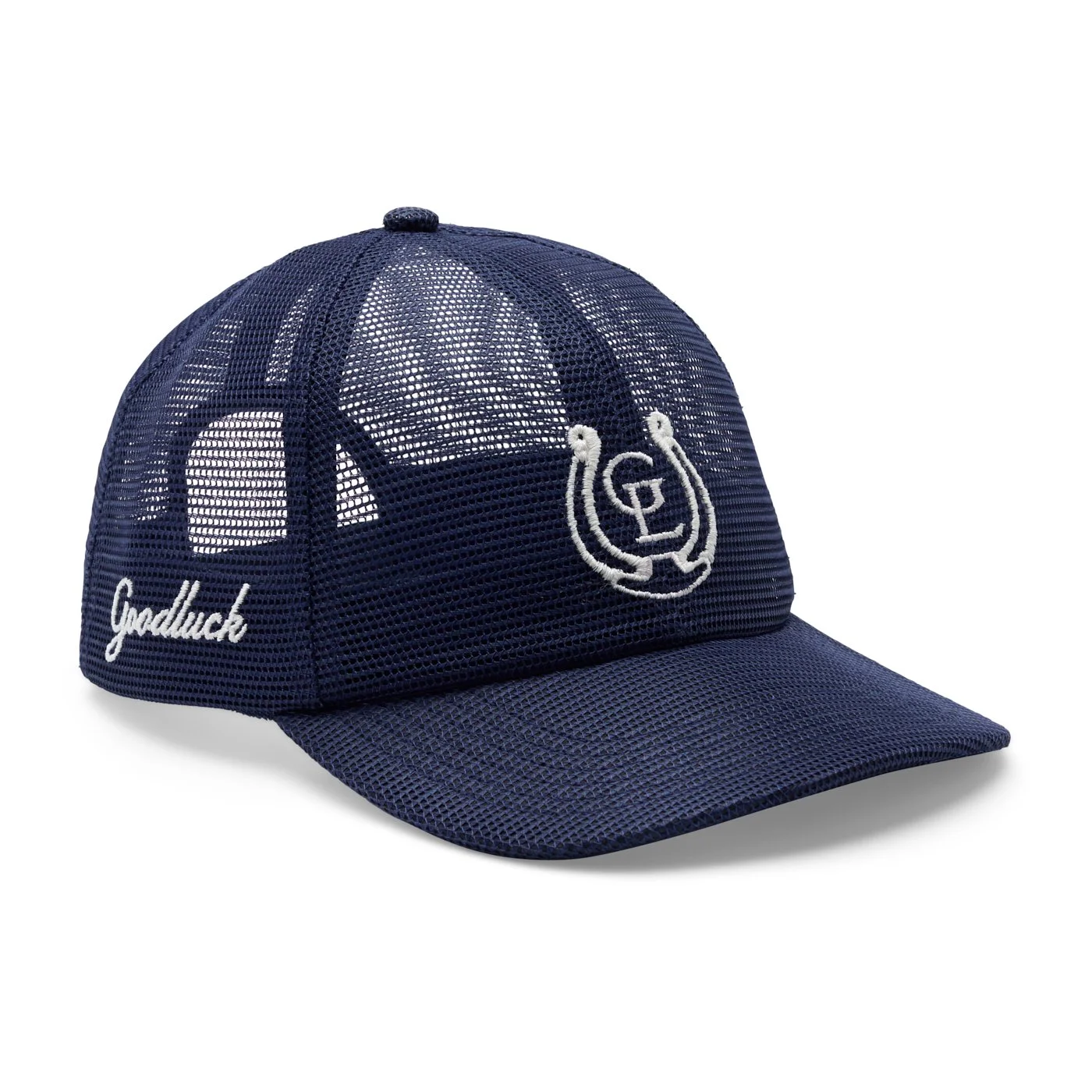
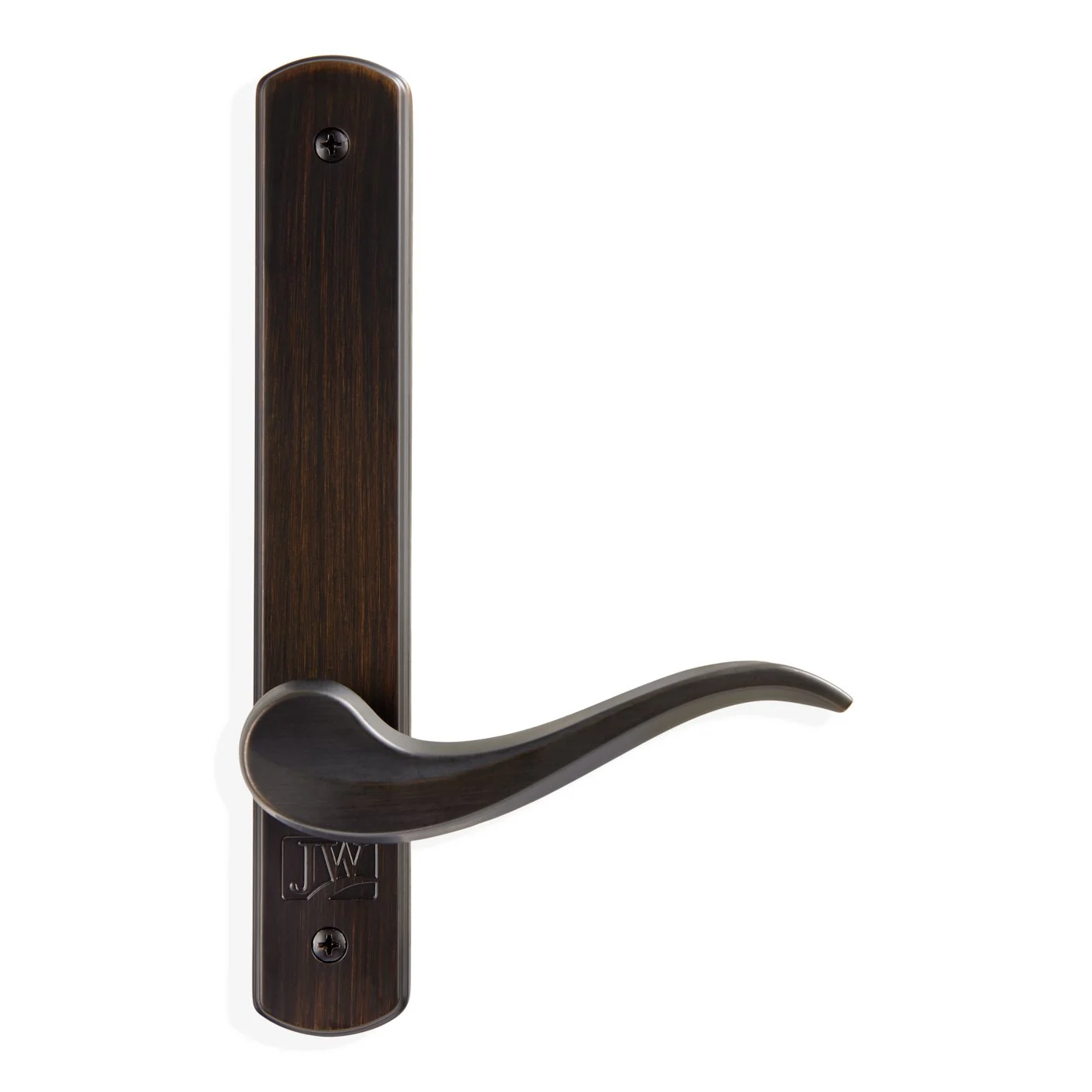
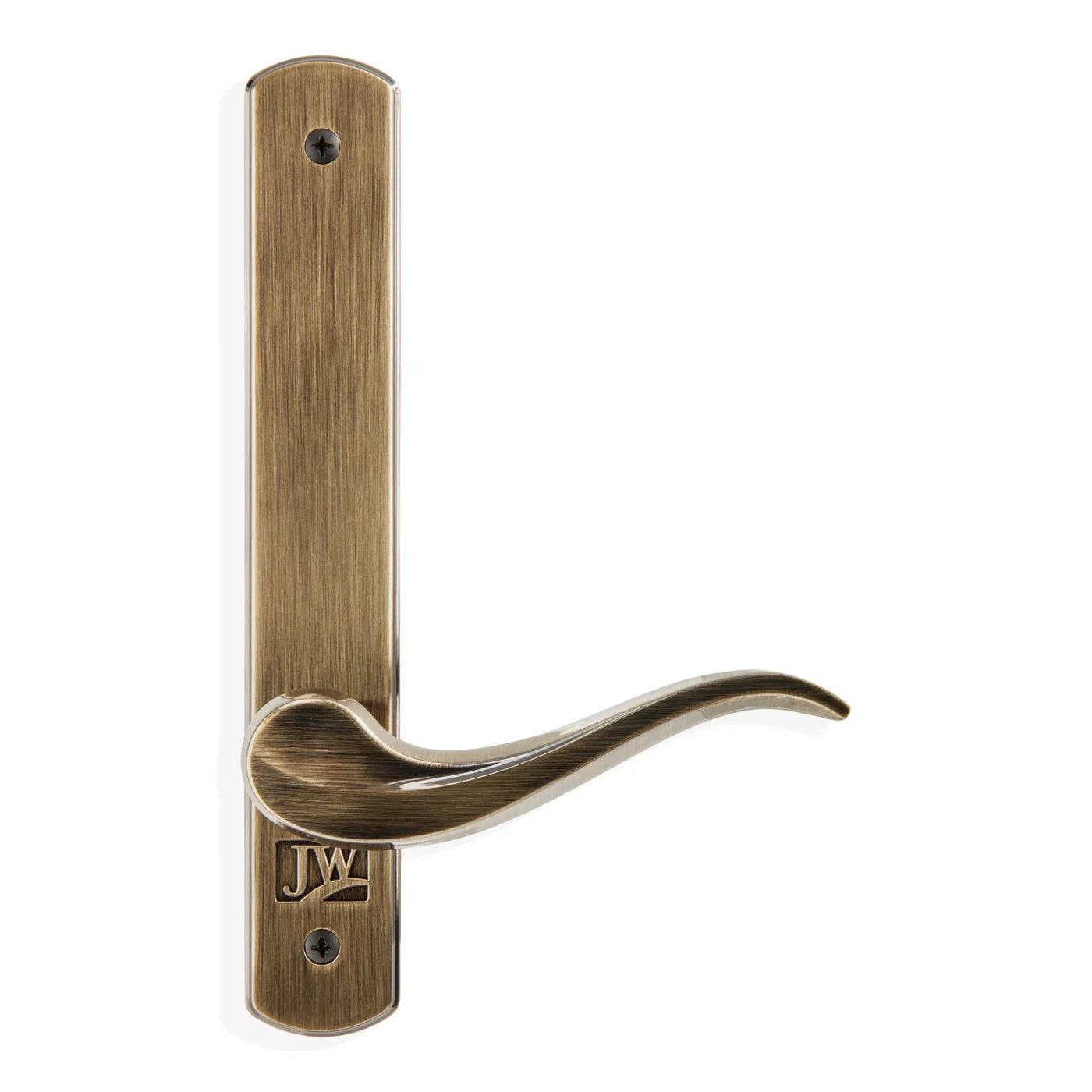
Add Detail Shots
Close-ups help answer questions. Consider:
Stitching or material details
Functional elements (zippers, buttons, closures)
Texture and finish
Show the Product in Context
Real-world images help customers visualize ownership, which is often the final step before purchase. These include:
Lifestyle images
In-use scenarios
Scale references
How to Optimize Shopify Images Without Sacrificing Quality
Once you have solid Shopify product photos, the next step is optimizing them for performance.
Start with High-Resolution Product Photos
Ecommerce image optimization works best when you begin with high-quality source images:
Shoot at high resolution
Maintain sharp focus and accurate color
Avoid “fixing” poor images later
Rule of thumb: start large and scale down, never the other way around.
Resize Intentionally
Uploading oversized images slows your site without adding value:
Resize to around 2048 × 2048 px
Keep dimensions consistent
Keep File Sizes Lightweight
File size matters – especially for mobile users. Aim for:
Under ~3 MB per image
Smaller files without noticeable quality loss
Balance Sharpness & Speed
Make sure your images:
Look sharp when zoomed
Load quickly across devices
Avoid lag
If your images feel crisp and fast, you’re in the right range.
Don’t Skip File Names & Alt Text
File names and alt text improve organization, accessibility, and SEO.
Use Descriptive File Names
Instead of “IMG_483.jpg”, rename your file to something like “black-leather-crossbody-bag.jpg”. This makes your files easier to manage internally and helps search engines understand what the image represents.
Add Simple Alt Text
Alt text (alternative text) is a short description of your image that:
Supports screen readers
Provides context if the image doesn’t load
Reinforces product details for SEO
Keep it straightforward. For example: “Black leather crossbody bag with gold hardware and adjustable strap.”
Keep It Consistent
As your product library grows, so does the need for consistency:
Use a standard naming format
Keep descriptions clear
Avoid vague labels
When to DIY vs. When to Hire a Product Photography Partner
DIY product photography can make sense in the early stages of a brand. But as your store grows, inconsistencies become more noticeable and more costly. You may need professional support if:
Your product grid looks uneven or inconsistent
Colors don’t match reality
You’re scaling faster than you can produce content
Image quality varies
Content creation is too time-consuming
These issues affect perception and conversion.
Where a Partner Comes In
A dedicated product photography partner provides:
Creative and technical consistency
Uniform lighting, angles, framing, and backgrounds
Cohesive imagery across your catalog
Shopify-ready formatting and optimization
A scalable content system
How We Can Help
If preparing Shopify-ready images isn’t in your wheelhouse or you’re just ready for some support, we can help. At Rainey Day Media, we create conversion-optimized imagery that’s visually compelling, formatted correctly, and ready to perform from day one.
Our offerings include:
Product photography for clean, consistent grids
360° product photography for detail and confidence
Stop motion content for attention and storytelling
UGC-style content for real-world context
If you’re ready for imagery that looks great and works the way your store needs it to, connect with the Rainey Day team. We make great content easy.